ZigStar LAN Gateway
Features
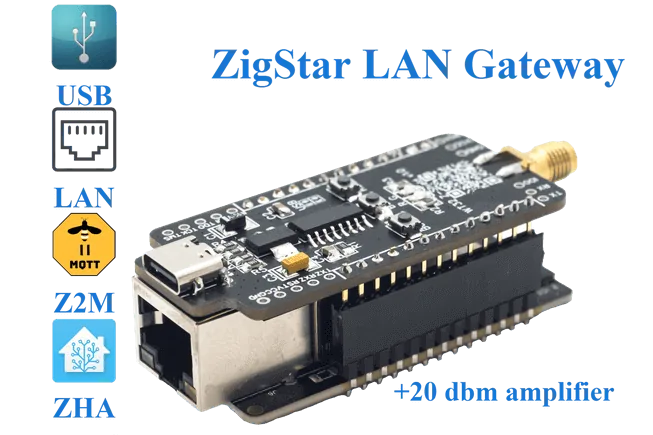
- Wide range of Zigbee Modules (CC2652P, CC2652RB, etc)
- Two working modes: LAN coordinator or USB coordinator/router
- BOOT, FLASH and RESET buttons
- 2 status LEDs (custom firmware)
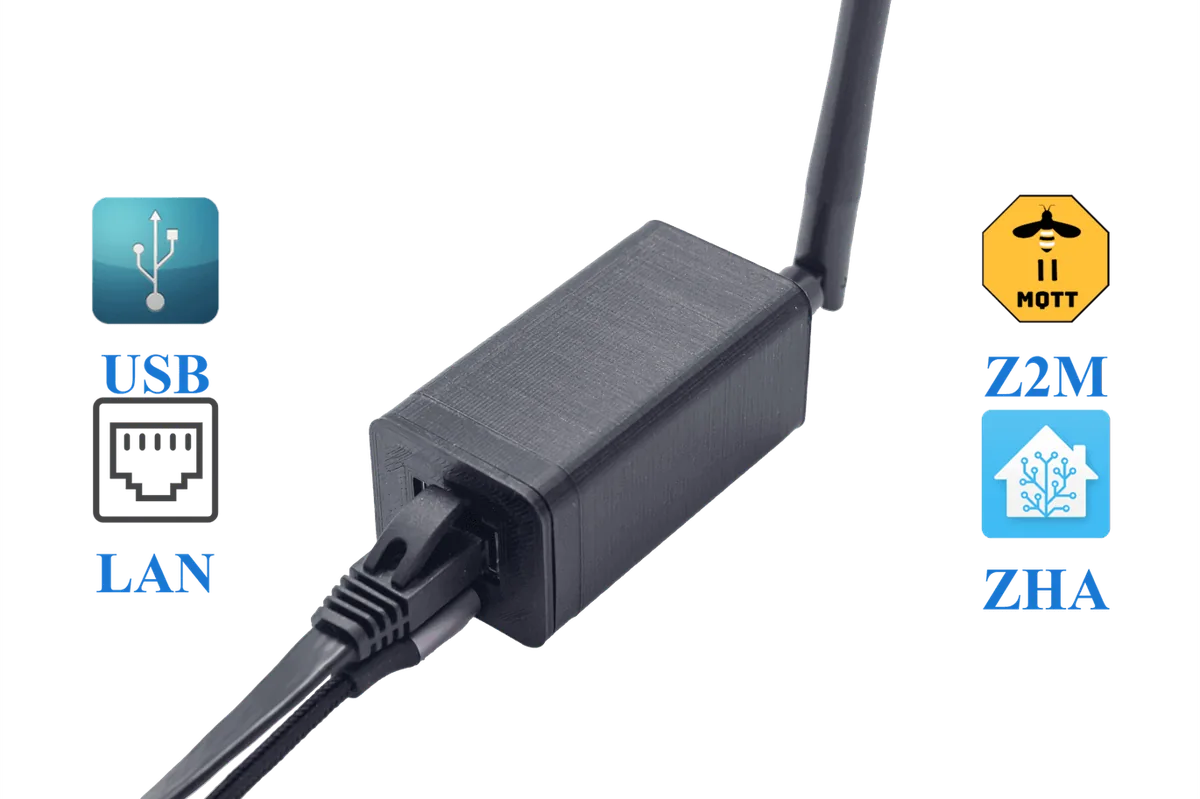
- Communicates via USB or LAN network with Z2M and ZHA
- SMA port for an external antenna
- Easy programming with ZigStar Multi Tool. No external programmer needed!
- Plug & Play, comes pre-flashed
Revisions
There are three tested versions of the ZigStar LAN Gateway:
- RF-STAR RF-BM-2652P2 - 20 dBm
- Ebyte E72-2G4M20S1E - 20 dBm
- Ebyte E72-2G4M05S1F - 5 dBm1
Info
- RF-STAR RF-BM-2652P2 recommended
- PCB thickness 1.2mm is recommended
Bill of Materials
EasyEDA-generated BOM; you can order directly on LCSC - BOM
| Designator | Name | Footprint | Quantity |
|---|---|---|---|
| U1 | RF-BM-2652P1/P2 | 1 | |
| U2 | WT32-ETH01 | N/A | 1 |
| U3 | CH340C | SOP-16 | 1 |
| U4 | AMS1117-3.3 | SOT-223 | 1 |
| R1 | 10 kohm | SMD 0805 | 1 |
| R2,R3 | 1 kohm | SMD 0805 | 2 |
| R4,R5 | 5.1 kohm | SMD 0805 | 2 |
| R6,R7 | 22 ohm | SMD 0805 | 2 |
| C1 | 10uF | SMD_L3.5-W2.8 | 1 |
| C2,C4 | 100nF | SMD 0805 | 2 |
| C3 | 22uF | SMD_L3.5-W2.8 | 1 |
| L1,L2 | RED/GREEN LED | SMD 0805 | 2 |
| SBL,RST,BOOT | PUSH BUTTON | SMD_L3.9-W3.0-P4.45 | 3 |
| USB | TYPE-C | USB-C_SMD-TYPE-C-31-M-12 | 1 |
| CON | STACKABLE HEADER 13 PIN | 2.54x13P | 1 |
| ANT | SMA ANTENNA PORT 1.2mm | SMA EDGE | 1 |
These items are not available on LCSC; you can get them on AliExpress:
| Name | Shop 1 | Shop 2 |
|---|---|---|
| WT32-ETH01 | CLICK | CLICK |
| RF-STAR RF-BM-2652P1/P2 | CLICK | CLICK |
| Ebyte E72-2G4M20S1E | CLICK | CLICK |
| Ebyte E72-2G4M05S1F | CLICK | CLICK |
| RP-SMA Antenna PCB Connector 1.2mm | CLICK | N/A |
| RP-SMA Antenna Female - Inner hole | CLICK | CLICK |
| STACKABLE FEMALE HEADER 13 PIN | CLICK | CLICK |
Options
To use your LAN Gateway in USB mode (without the WT32-ETH01 connected):
Solder the jumpers labeled J1/USB or change the default DIP switch position.
DIP switch positions
- ON for USB Mode
- OFF for LAN Mode
Both switches should be in the same position.


Firmware
See the Quick Start for help choosing the correct firmware.
Flashing
- YAML Config
- WT32-ETH01 Firmware ESPHome
- ZigStar Firmware2
- ESPHome flashing guide - ESPHome
- ZigStar flashing guide - ZigStar Firmware
- Zigbee module flashing guide - ZigStar Multi Tool
Downloads
Video
*English subtitles available
-
Ethernet Zigbee ZigStar Gateway, installing multiple zigbee2mqtt
-
Server redundancy with Zigbee2MQTT on Zigbee LAN Coordinator Zigstar